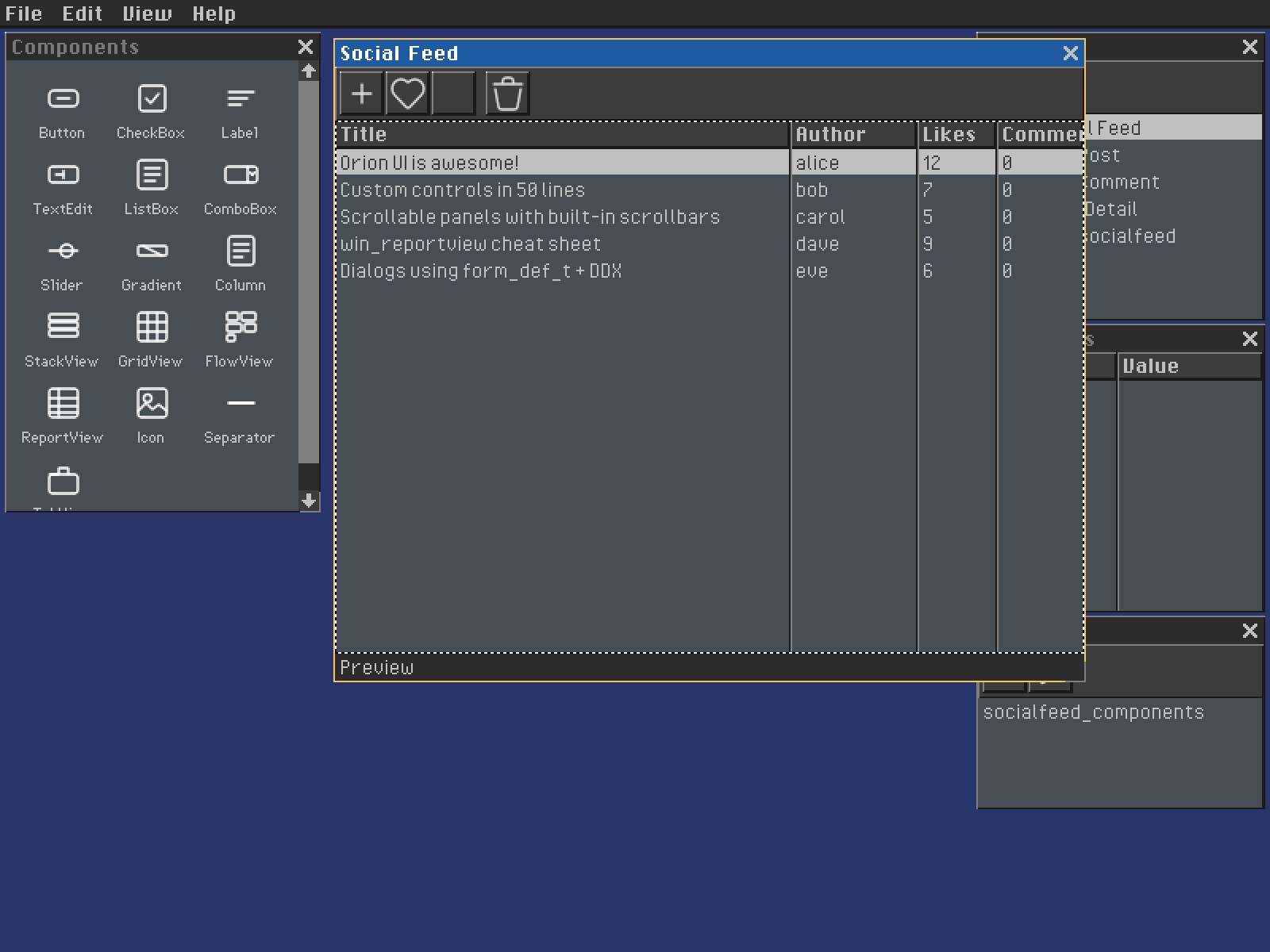
Orion is a standalone C UI framework for desktop applications and tools. It combines a WinAPI-style message architecture with native Platform backends, hardware-accelerated rendering, reusable controls, declarative forms, databases, dialogs, and loadable applications. Lua is optional for apps that need scripting.
Start Here
| I want to… | Read |
|---|---|
| Build my first standalone app and GEM | Getting Started |
| Understand layers, ownership, and message flow | Architecture |
| Create windows and handle lifecycle | Window System |
| Add controls, layouts, menus, and dialogs | Controls, Toolbars, Dialogs |
| Bind declarative forms to records | Database Forms |
| Study complete applications | Applications |
| Install the released SDK and apps | Package Manager |
Build From Source
git clone https://github.com/corepunch/orion-ui.git
cd orion-ui
git submodule update --init --recursive
make apps
make test
Build one application with make build/bin/<name>, or build loadable modules with make gems. Orion requires a C toolchain and Git; its native Platform layer supplies windowing, input, and rendering.
How Orion Fits Together
apps/          Applications, declarative resources, components, and app tests
orion/user/    Windows, messages, input routing, drawing, forms, and resources
orion/kernel/  Graphics lifecycle, rendering, HTTP, and runtime services
orion/commctl/ Reusable controls and layout containers
orion/commdlg/ Modal dialogs and common pickers
platform/      Native windows, events, filesystems, processes, and networking
share/         Framework fonts, icons, shaders, and deployable assets
tests/         Framework behavior and integration tests
tools/         Resource compilers, generators, and release utilities
Platform events become Orion messages. Window procedures handle those messages, controls notify their root with evCommand, controllers mutate application state, and invalidated windows draw during evPaint. Declarative .orion resources compile into typed forms, menus, toolbars, accelerators, and database metadata.
Applications As Examples
Orion’s bundled apps are both usable software and reference implementations.
| Image Editor | Git Client |
|---|---|
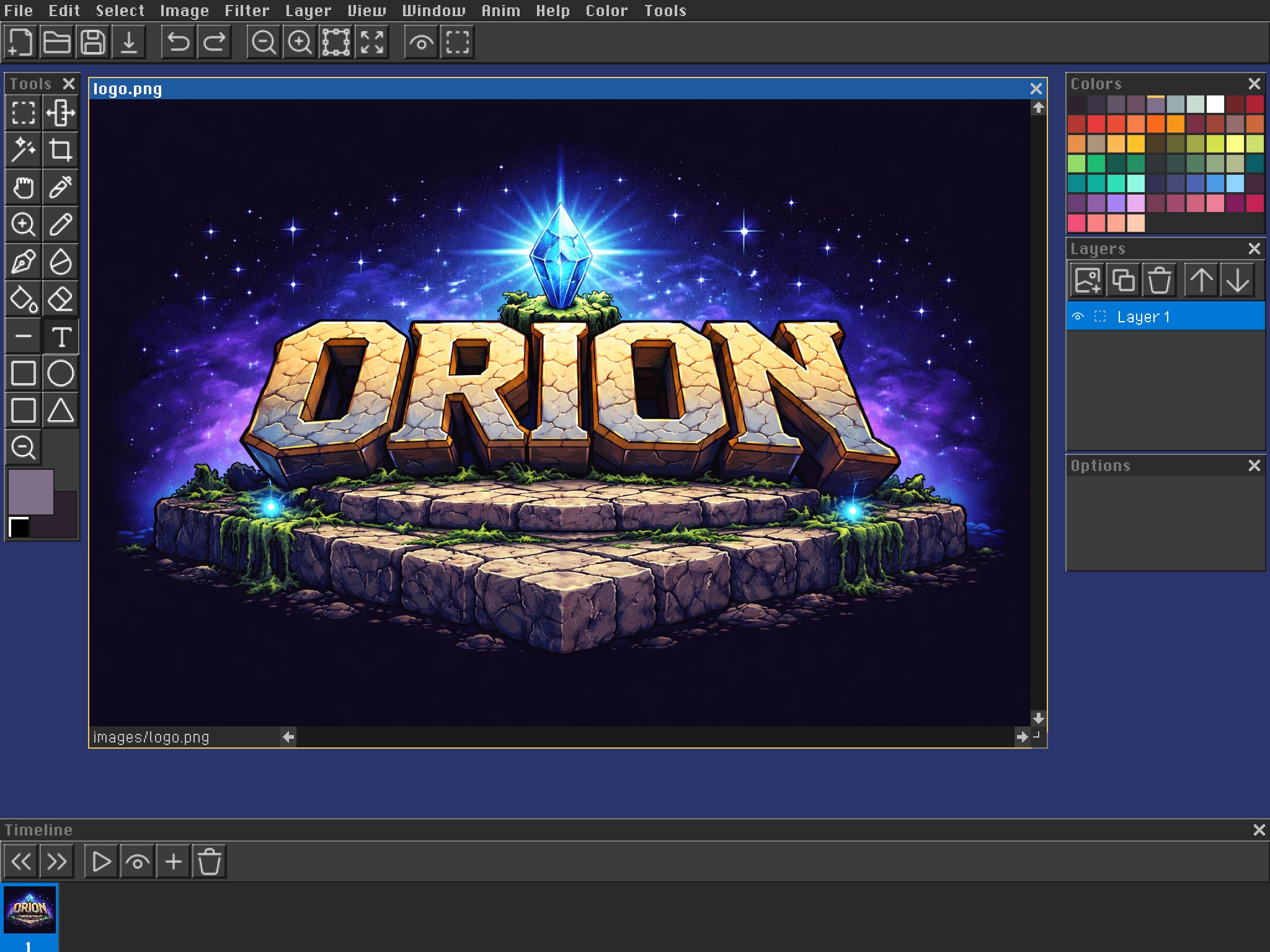 | 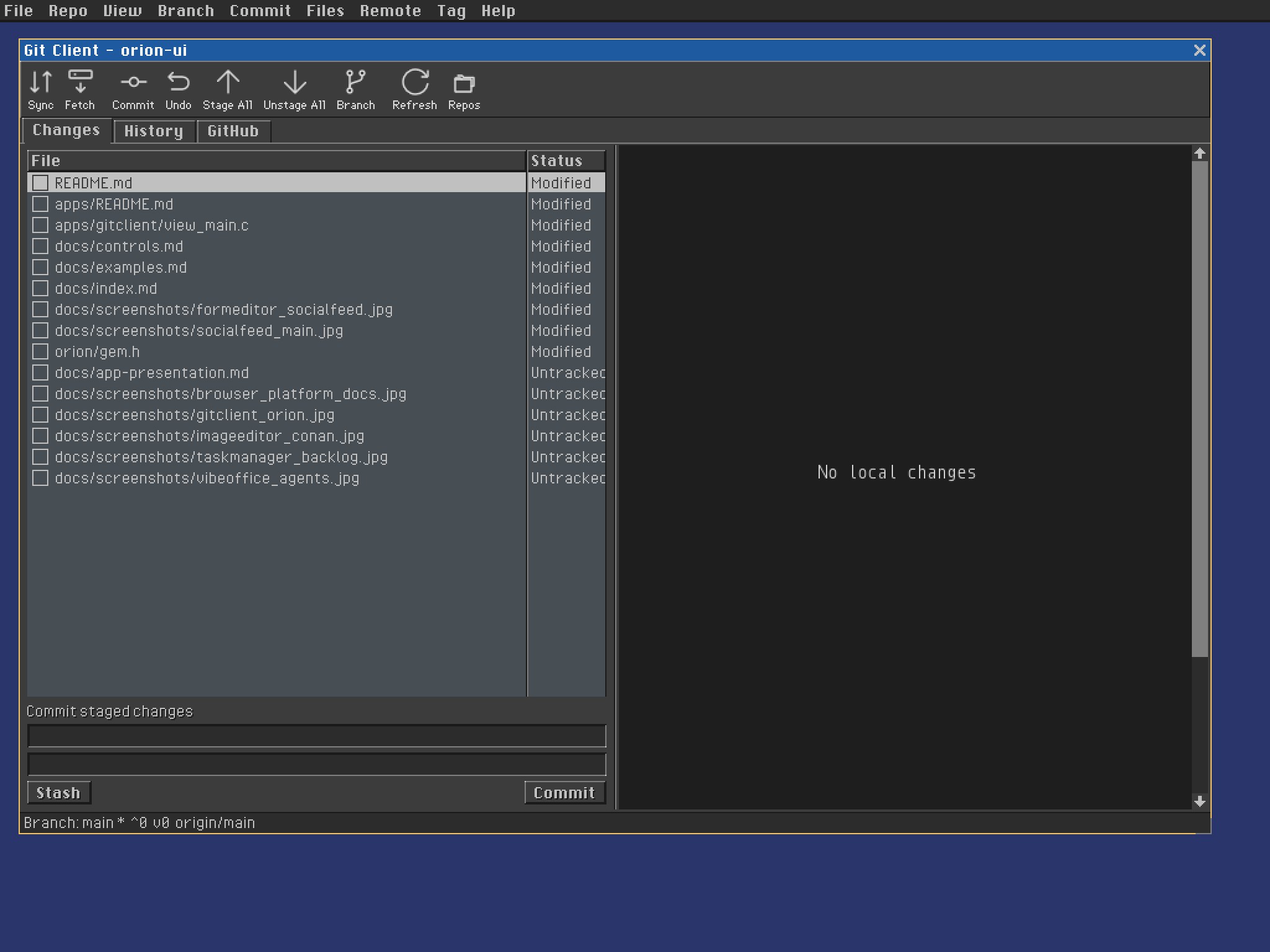 |
| MDI documents, canvas rendering, layers, tools, palettes, and animation | Tabs, report views, staging, history, GitHub data, and diff rendering |
Form Editor demonstrates declarative UI authoring and plugins; Social Feed shows database-bound forms; Task Manager shows MVC and table views; Vibe Office shows desktop-style custom controls and process-backed state.
Declarative Database Forms
A field path identifies its database, table, and column:
<form name="edit_author" width="300">
  <TextEdit field="db.authors.name" />
  <TextEdit field="db.authors.email" />
  <Button value="1" text="OK" />
</form>
Register the named database once at startup, then open the self-contained form:
show_db_dialog(&myapp_edit_author_form, "Edit Author", parent, author_id);
Orion fetches the record, exchanges values with controls, and inserts or updates on acceptance. Read Database Forms →
Core Guides
- Messages & Events: commands, notifications, input, and event loop
- Drawing & Rendering: paint lifecycle and renderer APIs
- Scrollbars: built-in and standalone scrollbar contracts
- Icon System: system icons, SVG assets, and bitmap strips
- Async HTTP: message-driven HTTP/HTTPS requests
- GEM Plugin System: shared Shell hosting and application lifecycle
- Presenting An Application: screenshots and app docs