Applications
Orion ships complete applications under apps/. They are useful programs as well as reference implementations for messages, declarative forms, databases, controls, native platform services, and loadable GEM modules.
Build the suite with make apps, or install released apps independently with the Orion Package Manager. See the Application Presentation Guide when adding another app to this gallery.
Image Editor
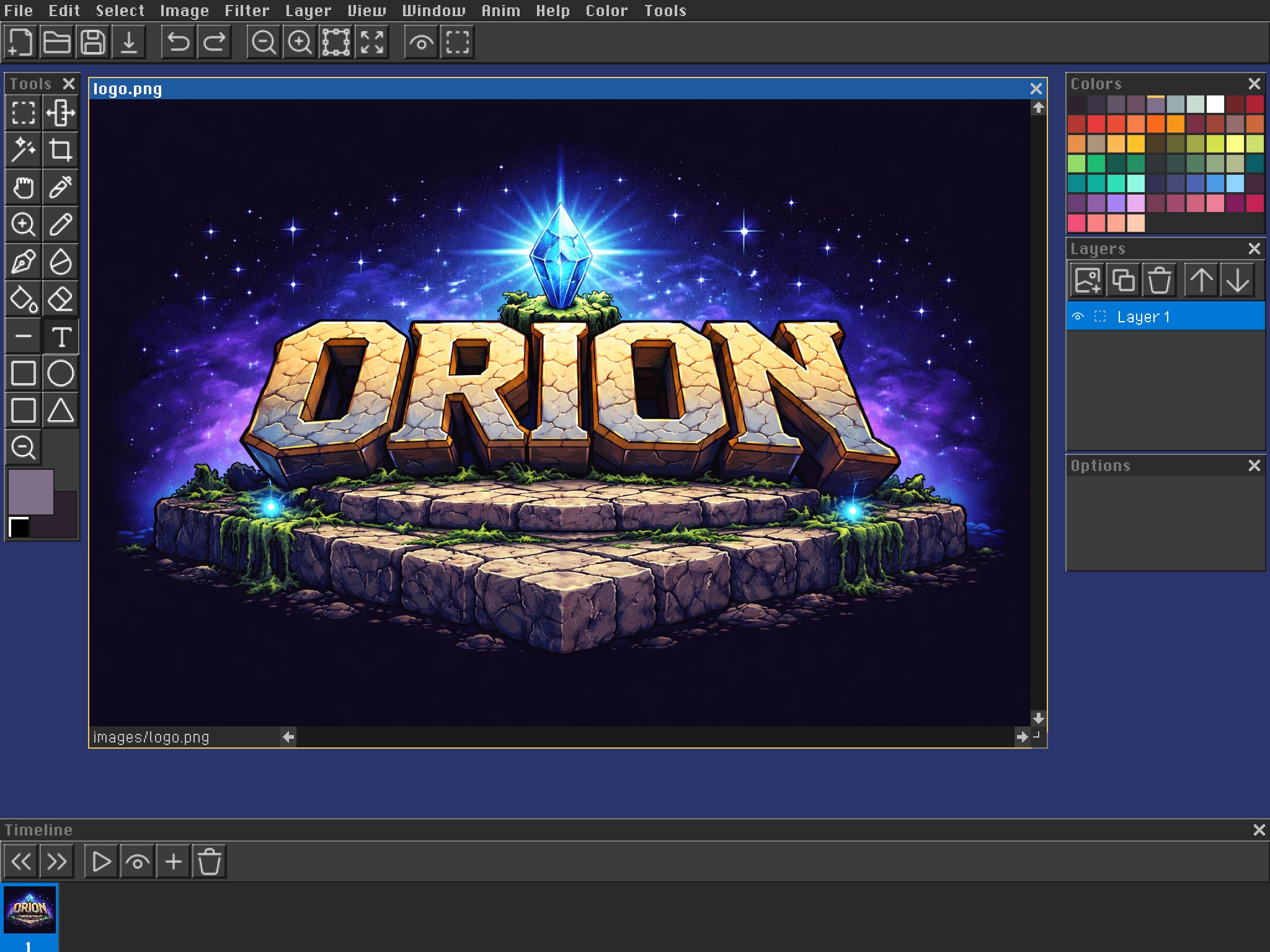
A multi-document raster editor with drawing and selection tools, layers, palettes, image filters, animation frames, onion skinning, and PNG/JPEG/BMP I/O. It demonstrates MDI documents, toolbars, floating palettes, custom canvas rendering, scrollbars, lists, and timeline controls.
orion install imageeditor
build/bin/imageeditor images/logo.png
Git Client
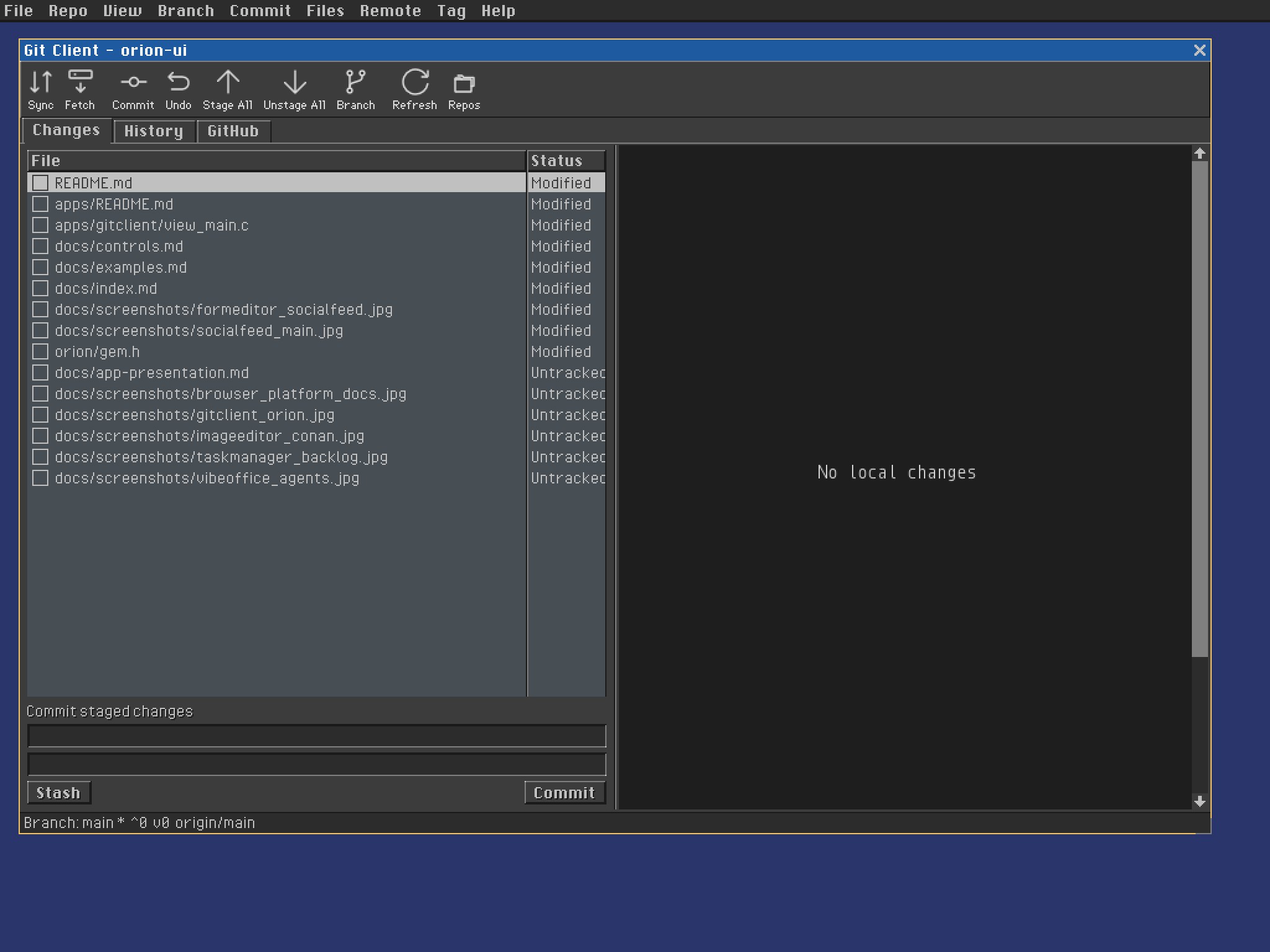
A repository client with working-tree changes, staging, commit history, branches, remotes, tags, stashes, GitHub issues and pull requests, and unified or split diffs. It demonstrates tab views, report views, split views, toolbar actions, status bars, database adaptors, and always-on interaction tracing.
orion install gitclient
build/bin/gitclient .
Form Editor
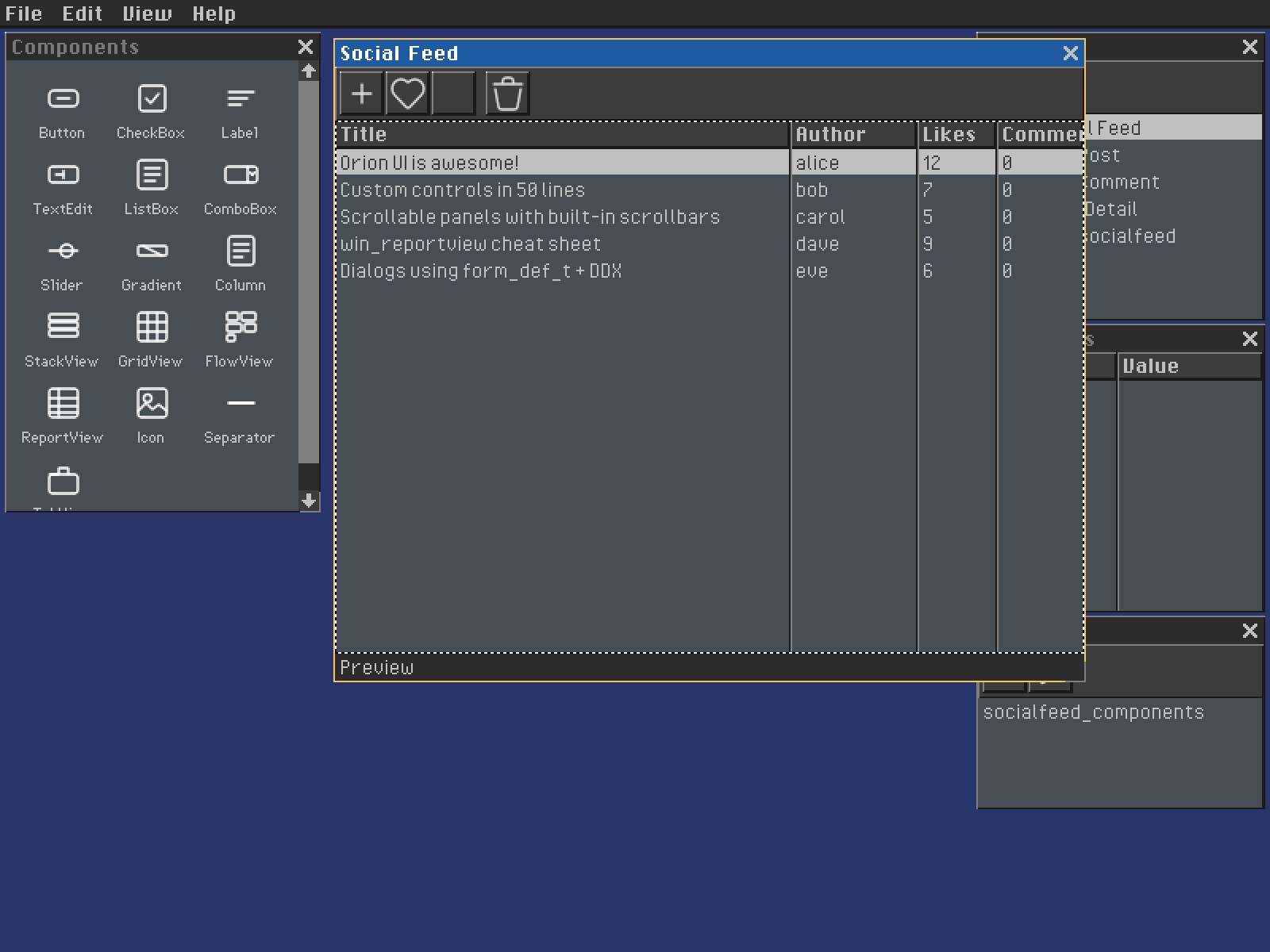
A visual editor for declarative .orion projects. It combines a component library, live design surface, forms browser, property inspector, database bindings, plugin discovery, and project serialization.
orion install formeditor
build/bin/formeditor apps/socialfeed/socialfeed.orion
Social Feed
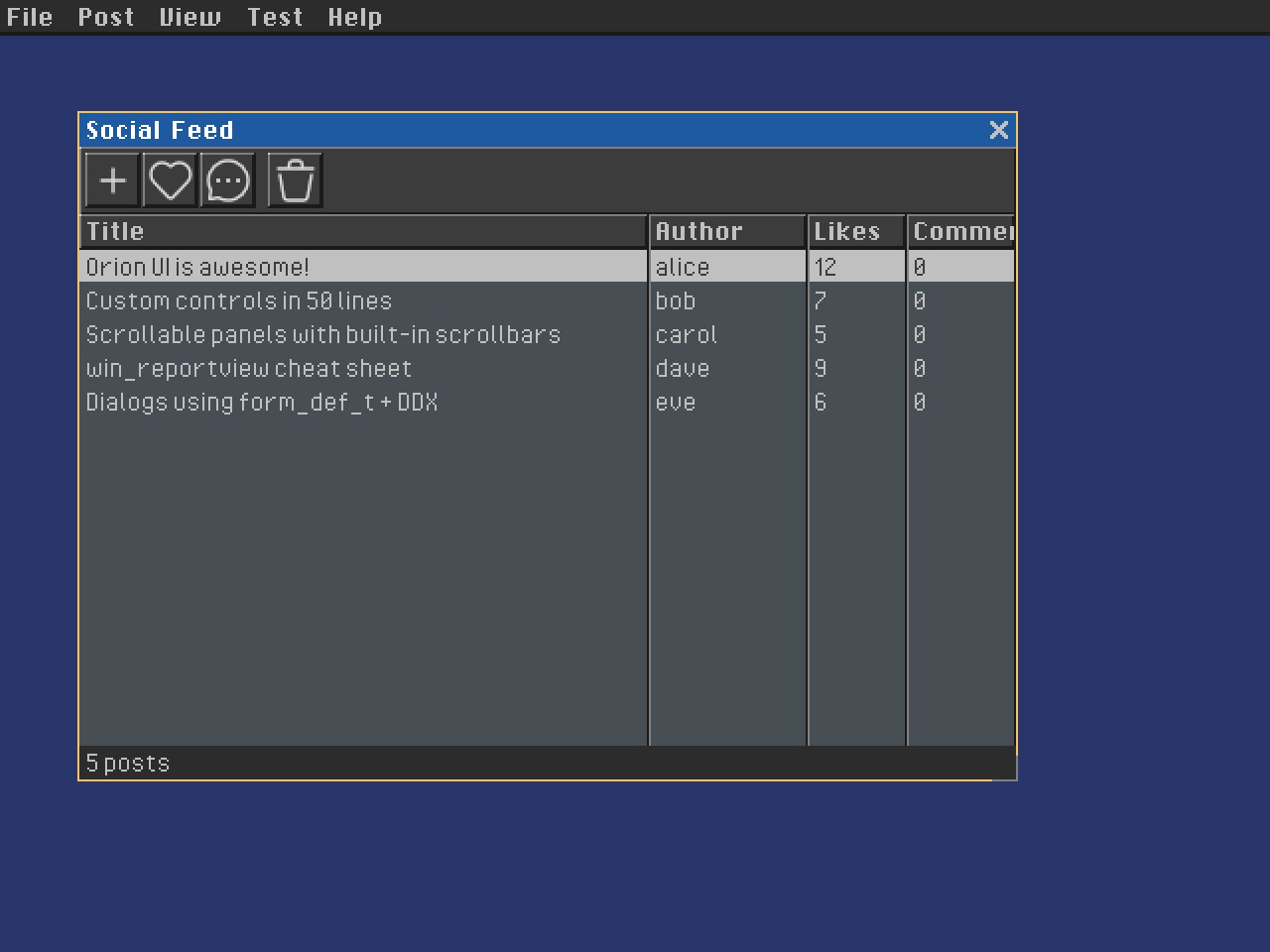
A database-driven social application with authors, posts, comments, replies, and generated edit forms. It demonstrates self-contained field bindings, XML-backed data, report views, modal forms, and MVC application structure.
orion install socialfeed
build/bin/socialfeed
Task Manager
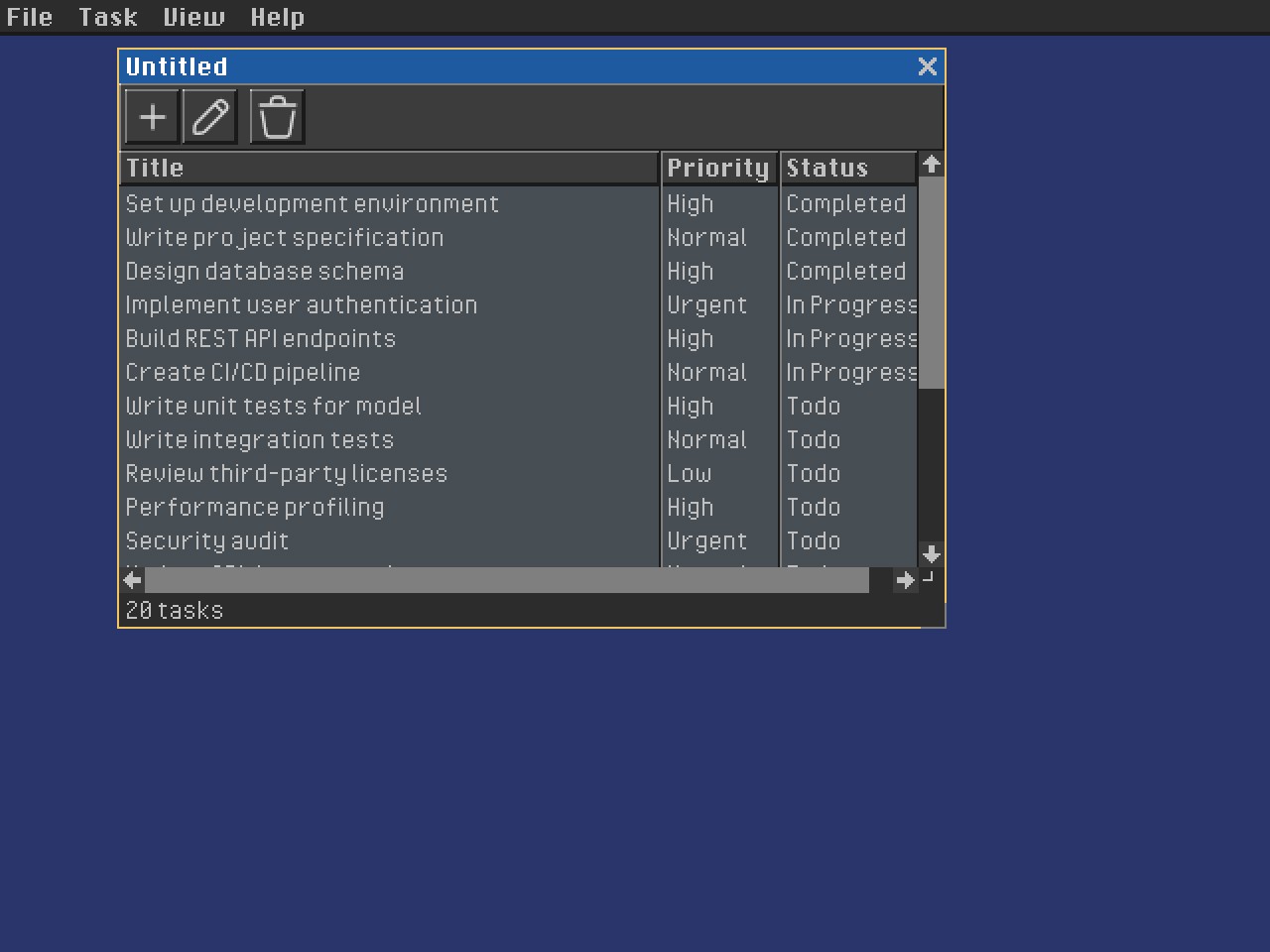
A multi-document task tracker with priorities, status, due dates, editing, filtering, and seeded project data. It demonstrates table views, menus, toolbars, status bars, document commands, and an MVC split.
orion install taskmanager
build/bin/taskmanager
Vibe Office
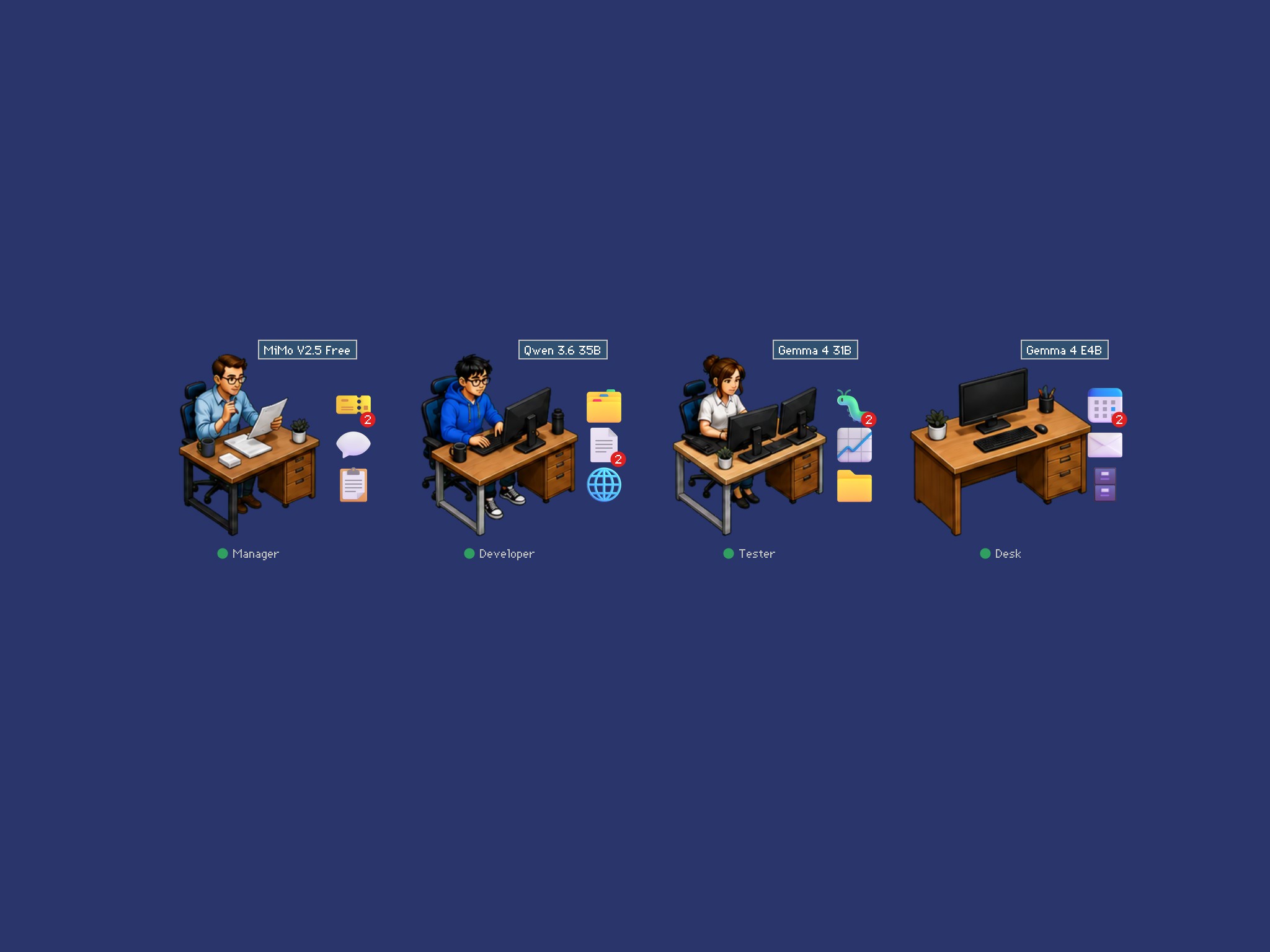
A desktop-style workspace for assigning work to coding agents and inspecting status, models, messages, and generated artifacts. It demonstrates transparent desktop children, draggable icon controls, image assets, forms, combo boxes, and process-backed application state.
orion install vibeoffice
build/bin/vibeoffice
Smaller References
- Hello World demonstrates the minimal window, label, button, message loop, painting, and command notification flow.
- File Manager demonstrates directory traversal, two-pane report views, selection, double-click navigation, and status text.
- Terminal demonstrates the optional Lua integration and console-style text interaction.
- Browser demonstrates HTTP and local HTML navigation, address editing, scrolling content, menus, and asynchronous completion messages.
- Scener demonstrates native OpenGL scene editing and deterministic multi-camera rendering. Its complete guide documents scene and prefab authoring.
All substantial applications can also be built as loadable .gem modules with make gems and run inside Orion Shell. See Gem Plugin System.